
TL;DR
For ads specifically, start with Runway when the production workflow and consistency between shots matter, Veo 3.1 when you need native dialogue, and Kling 3.0 when you want longer takes and enough variants to test. Those are workflow recommendations, not a claim that one model always wins. None should be trusted to reproduce approved text and logos exactly: add those in composition. If you still have a Sora workflow, its API is scheduled to shut down on September 24, 2026.
What changed in the last six months?
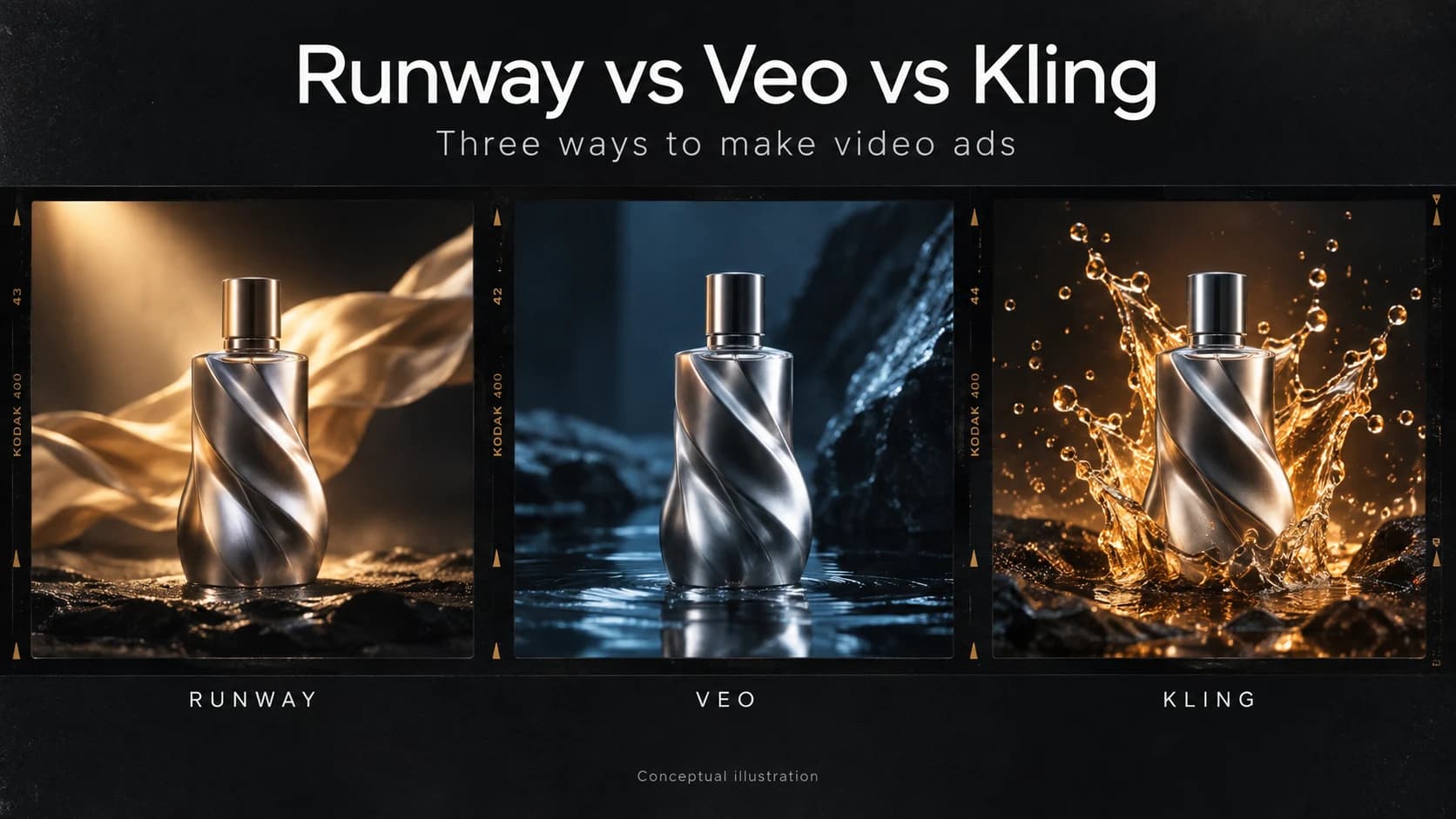
Enough that a comparison needs a model version and a date. This one covers Runway Gen-4.5, Google Veo 3.1 and Kling VIDEO 3.0, using vendor documentation checked on September 10, 2026. It is a buying guide based on documented capabilities, not a hands-on benchmark. The banner is a conceptual illustration, not a set of outputs from these models.
Sora is being wound down. OpenAI confirms that the web and app experiences ended on April 26, 2026, and the API follows on September 24. Anything built on it needs a migration path now.
The model and the product are also becoming different buying decisions. Runway Agent can plan multi-shot work and use models from several providers, including Veo and Kling. Google now recommends Gemini Omni Flashas its default video model while retaining Veo 3.1 for capabilities such as extension and last-frame control. This comparison remains focused on the three named options; it is not a ranking of every model.
Benchmark position is a poor buying signal on its own when it changes faster than a procurement cycle. What lasts longer is your need to revise a shot, keep a product recognizable and get an ad approved.
Runway vs Veo vs Kling, side by side
Specifications depend on the model and access route. The prices below deliberately name that route: an app credit is not an API dollar, and a credit at one vendor is not a credit at another.
| Dimension | Runway Gen-4.5 | Google Veo 3.1 | Kling VIDEO 3.0 |
|---|---|---|---|
| Start here for | Production workflow and controlled image-to-video shots | Native dialogue and individual hero shots | Longer takes and volume testing |
| Audio | Check the selected model; platform audio tools are separate from Gen-4.5 controls | Native audio, including dialogue | Native audio mode; optional voice control |
| Resolution | 720p base output | 720p; 1080p and 4K with an 8-second duration; extensions at 720p | 720p / 1080p in the cited VIDEO 3.0 guide; check separate 4K offerings |
| Clip length | 2–10 seconds | 4, 6 or 8 seconds; extension supported | Up to 15 seconds |
| Controls | Text or starting image; wider platform supports multi-shot production | Reference images, first/last frames and extension | Storyboard control and native audio options |
| Price snapshot | Gen-4.5 API: 12 credits/s at $0.01/credit = $0.12/s, before extras | Gemini API Standard: $0.40/s at 720p/1080p; $0.60/s at 4K, with audio | VIDEO 3.0 app guide: 6/8 credits/s without audio and 9/12 with audio at 720p/1080p; voice control adds 2 credits/s |
Sources: Runway specifications, Runway API pricing, Veo specifications, Gemini API pricing and Kling VIDEO 3.0 guide and credit rates. Prices exclude taxes, optional extras and the cost of rejected takes. Kling rates refer to the modes in that guide, not every newer variant.
Do not assume that a feature from an older Runway model, such as a motion brush, is a Gen-4.5 control. Likewise, a 4K option does not prove that every mode produces native 4K at 60fps. Verify the exact preset you intend to buy. For access, Google lists Flow in many European countries, including Portugal; some features still have regional restrictions. A blanket claim that Veo is unavailable in Europe would be misleading.
Which one is best for video ads?
Ads are a harder test than a hero demo clip: they have to survive a review cycle and hold a brand together across several shots. Three things decide whether the output is useful.
Consistency beats peak quality. The most beautiful five-second shot is not necessarily the start of a usable 30-second ad. If your product changes shape between cuts, both shots may need replacing. Build approved stills first, use them to guide generation, and judge the cuts together. Runway is a sensible starting point when you want a production environment around that process. Veo and Kling also offer controls for references or storyboards, so consistency is a test to run, not an exclusive promise to assign to one vendor.
Audio changes the workflow. Veo can generate dialogue with the video; Kling also has native audio and voice options. That can remove a separate sound-generation step, but it does not remove review. Check pronunciation, timing, lip movement and whether a script revision forces you to regenerate a shot you already liked.
Cost per usable clip is the number nobody publishes for your brief. A lower rate per second does not guarantee a cheaper finished ad. A model you retry eight times can cost more than one you retry twice. Divide all generation spend, including rejected takes, by the number of clips you would actually run. Track editing time separately so you can see whether cheap footage creates expensive work.
For a hypothetical example, eight attempts at $0.60 each cost $4.80 for one accepted clip. Two attempts at $1.60 cost $3.20. These are illustrative numbers, not results from a test of these vendors. Compare the same brief, duration, resolution and audio requirement, then count how many attempts pass your own approval criteria.
What do none of them do well enough to trust?
Exact text and exact logos are a poor place to accept probabilistic output. A generated headline can be readable without matching your approved copy; a recognizable mark can still have the wrong geometry. Check the whole clip, not just its opening frame. A more expensive generation is not a guarantee of brand accuracy.
The practical answer is to generate the footage, then overlay the original type, logo, price and end card in a composition tool. This also makes legal copy and offer changes possible without rerunning the footage. It is a production recommendation, not a claim that these models can never generate a correct word.
Length is another shared constraint. All three generate short clips; a 30-second ad still needs assembly, or extension where supported. Every new cut is another opportunity for the product, wardrobe or lighting to drift. Longer generation is useful, but it does not replace an edit with a clear hook, demonstration and end card.
So which should you pick?
Start with Runway if the job is multi-shot, revision-heavy or client-facing, and you want to evaluate the production tools around generation. Keep platform capabilities separate from Gen-4.5 specifications.
Start with Veo if native dialogue, a hero shot or extending an existing generation is central to the brief. Test the audio and the exact model variant before budgeting the campaign.
Start with Kling if longer takes, storyboard control and volume testing are your priorities. Its credit rates make it worth testing for value, but they do not establish a universal cheapest option.
Most teams will need generation plus editing and composition. You may be able to do those in one platform, or use separate tools. Choose the combination that makes revisions predictable and the final ad accurate.
Frequently asked questions
- Which AI video generator is best for ads?
- Start with Runway for a production workflow around multi-shot ads, Veo for native dialogue and hero shots, and Kling for longer takes and volume testing. These are starting points, not a measured ranking: test the same brief and count usable results.
- Is Runway still the best AI video model?
- There is no permanent best model. Separate Gen-4.5 from the wider Runway platform: the platform includes an agent and multiple models, while Gen-4.5 itself supports text-to-video and image-to-video. Judge the whole workflow against your revision needs.
- Is Sora shutting down?
- OpenAI discontinued the Sora web and app experiences on April 26, 2026. The Sora API is scheduled to shut down on September 24, 2026, so existing workflows need a migration path before that date.
- Can AI video generators make text and logos correctly?
- Do not rely on generated footage for exact brand assets. Text or logos may look right in one frame and drift in another. For an ad that must match approved artwork, add the original type, logo and end card in a separate composition step.
- Which is cheapest, Runway, Veo or Kling?
- There is no universal cheapest option. Audio, resolution, model variant, subscription utilization and retries all change the cost. Credits from different vendors are not equivalent. Compare total generation spend divided by the number of clips you would actually run.
Disclosure: this post is published by fluos, which makes a prompt-based motion tool. That is a different category from the three above, generated graphic motion rather than generated footage, and we have kept it out of the comparison. Our roundup of AI motion graphics tools covers every category including our own.