TL;DR
A brand motion kit is the motion version of your brand style guide: reusable animated pieces (logo reveal, lower-thirds, transitions, title style and end card) plus rules for speed, easing and direction. Many brands define their colors and fonts but leave movement to whoever makes the next video. A small kit keeps future work consistent and faster to assemble. A non-designer can build a useful first version in a day.
What is a brand motion kit?
A brand motion kit is a set of reusable animated assets and motion rules that define how a brand moves on screen. Think of it as the brand guidelines PDF, but for video. Your style guide says which blue and which font. Your motion kit says how the logo appears, how a name card slides in, how one scene hands off to the next and how fast everything should feel.
It has two halves. The assets are the animated files you drop into videos. The rules are the short written decisions that keep anything new consistent with them. Skip the rules and the kit ages badly: the next person invents their own timing.
Why does a brand need a motion kit?
Consistency. Without a kit, every video is designed from scratch by whoever made it, in whatever tool was open. Six months in, your launch film, ads and product demos may look like they came from three companies.
Speed. With a kit, a new video is mostly assembly. The intro, name cards, transitions and end card already exist. You make the middle.
Recognition. Repeating the same motion choices builds familiarity. You do not need a broadcast budget: even a small, distinctive reveal and a consistent pace can make unrelated videos feel connected.
What goes in a brand motion kit?
A useful first kit has seven pieces. You can ship without all of them, but the first three carry most of the weight.
- Logo reveal, intro and outro. Aim for 2 to 4 seconds, one motion idea and a still frame that holds. Make a short ad cut and a slightly longer version for long videos. Our animated logo guide covers this in detail.
- Lower-thirds. The name and title card for a speaker or a feature label in a demo. Decide its position, entry and exit motion, and hold time. Three to five seconds is a useful starting point.
- Transitions. Two or three, not twelve: one normal scene change and one larger section break. Use your brand's shapes or colors instead of a generic wipe.
- Title and type animation. Pick a default way for headlines to arrive, such as a line reveal or simple fade, and reuse it.
- Ad end card. Logo, one line and one call to action. Build it for 9:16, 1:1 and 16:9.
- Website hero loop. A short seamless loop for your homepage or launch page. Optional, but often highly visible.
- Motion rules. One page for easing, speed, direction, text hold time and one or two “never” rules. This lets someone who was not there on day one make a video that still looks like yours.
How much does a brand motion kit cost?
The price depends more on who does the work and how many revisions you need than on the number of files.
| Route | Planning cost | Time to a kit | Best for | The catch |
|---|---|---|---|---|
| Branding or motion agency | €5,000–€25,000+ | 3–8 weeks | Rebrands, broadcast, major launches | New variants may need another request |
| Freelance motion designer | €1,500–€5,000 | 1–3 weeks | A polished kit on a mid budget | Editable source may require specialist software |
| Templates (Canva, Envato) | Canva Free or paid Pro (regional price); Envato Core US$39/month or US$16.50/month billed annually | An afternoon | Getting something up this week | Templates may feel familiar across brands |
| Prompt-to-motion (Fluos) | Free; Pro from US$10/month with credits included | A day | Teams without a motion designer | You still direct, review and format each piece |
Agency and freelancer figures are indicative planning ranges, not vendor quotes. Subscription prices checked September 29, 2026: Canva, Envato Elements and Fluos. Taxes, region and billing terms can change.
If motion is the centerpiece of a rebrand, the agency route can be worth it. For a recurring marketing kit, budget for every variant after the first one as well as the initial build.
How do you build a brand motion kit in a day?
- Gather your brand inputs. Get your logo as an SVG, hex colors, fonts and two or three reference videos. SVG shapes can be animated cleanly; a flattened PNG limits what you can do with the mark.
- Write the motion rules first. For example: “Fast and precise, clean geometric easing, entry from the left, text holds for two seconds, logo never bounces.” Five sentences are enough to brief every piece.
- Make the logo reveal. It sets the tone. Describe one motion idea, make two or three versions and pick the one that fits the rules.
- Build the rest from the same brief. Lower-thirds, transitions, title style and end card should reuse the same inputs and decisions. In a prompt-based tool like Fluos, reuse your brand files and rules in every request. Across the first 500 videos made on fluos, the average render finished in about three minutes. That historical average is no promise for any individual build.
- Export every format you will need. Prepare the end card for 9:16, 1:1 and 16:9. Use MP4 for broad video compatibility and GIF where email requires it. If an editor needs transparent lower-thirds, use a format that preserves alpha, such as WebM or ProRes 4444 MOV. Fluos added these exports in September 2026; check the specific composition and receiving editor before relying on transparency.
- Put it where people will find it. One shared folder, clearly named, with the one-page rules at the top. A kit nobody can find is a kit nobody uses.
One brand, three finished pieces
Here is a compact Fluos-inspired kit using the real Fluos logo. The first clip is the existing Fluos logo reveal; the lower-third and end card extend its orange identity into a warm cream and charcoal palette. Each brief appears above the finished result.
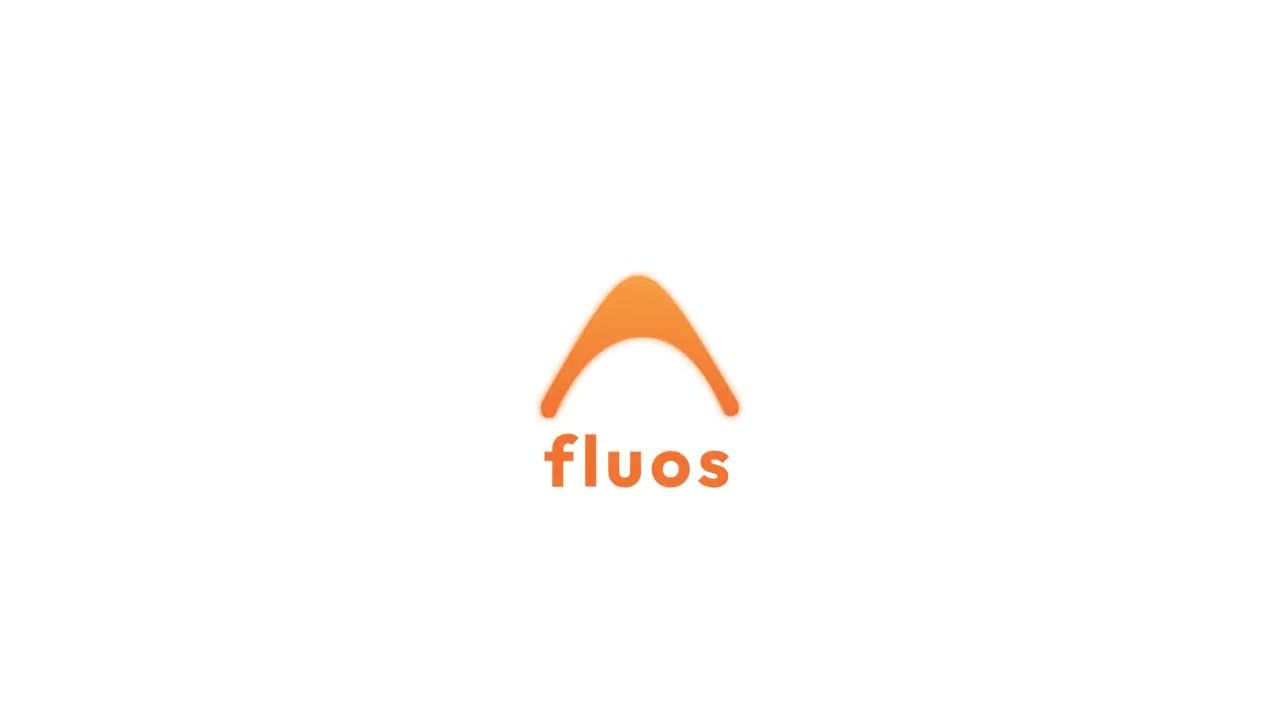
Logo reveal
Prompt: Animate the Fluos orange mark and lowercase fluos wordmark into a reusable logo reveal on white. Keep the identity centered, let the mark resolve above the wordmark, and hold the complete logo before looping.
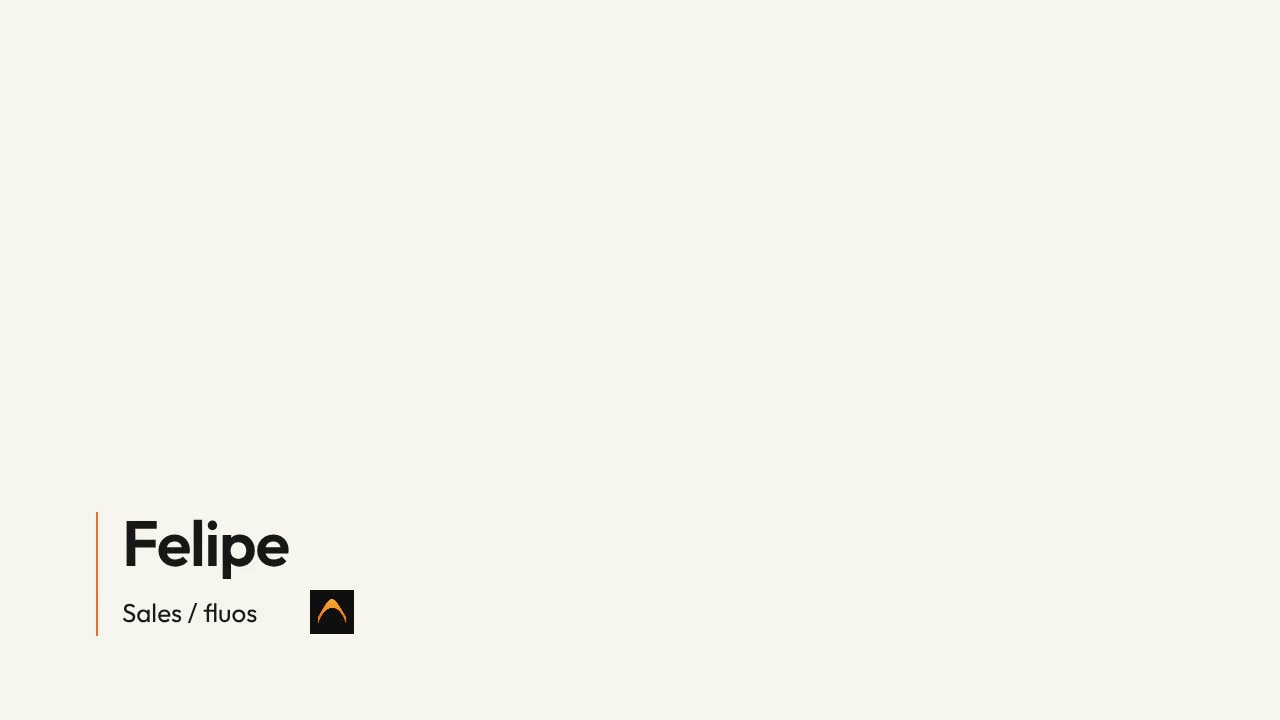
Lower-third
Prompt: Create a Fluos sales lower-third for Felipe with the title ‘Sales / fluos’. Use warm cream, charcoal and orange, a readable nameplate at the lower left, and restrained staggered reveals. Hold the name and title while leaving the main story visible.
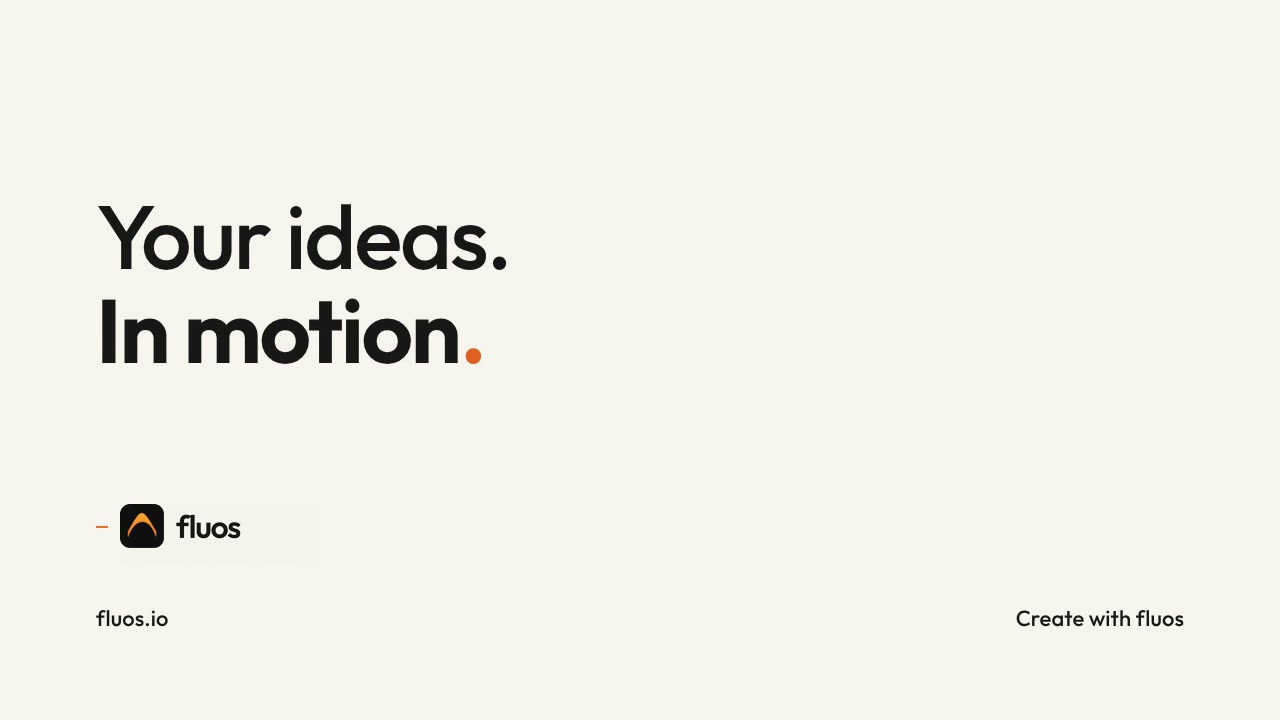
End card
Prompt: Create an editorial Fluos end card with ‘Your ideas. In motion.’ in charcoal on warm cream. Use one real Fluos logo, a selective orange accent, fluos.io and ‘Create with fluos’. Connect the headline and logo reveals with a purposeful stroke, then hold the finished composition.
What are the most common brand motion kit mistakes?
Too many pieces. Twelve transitions mean nobody uses the same one twice. Two or three are plenty.
No written rules. Assets get reused for a month, then the next video invents its own timing. The one-page rules are the part that keeps working.
Motion that fights the brand. A precise financial brand should not bounce like a cartoon; a playful consumer brand should not move like a law firm. Easing sets much of the feel.
Designing only for 16:9. If the end card exists only in landscape, a vertical version may crop the message or logo.
When should you still hire someone?
Hire a motion designer when motion is the identity itself: a rebrand launch, a broadcast ident, a sting that will open every video for years, or character animation and complex 3D. Those jobs deserve taste, custom craft and time to iterate. For a growing team's everyday video kit, a shared brief and repeatable rules can get a useful first version moving quickly. For the wider tool choice, see how to make motion graphics without After Effects.
Frequently asked questions
- What is a brand motion kit?
- A brand motion kit is a set of reusable animated assets, such as a logo reveal, lower-thirds, transitions, title animation and end card, plus written rules for how a brand moves on screen. It is the motion equivalent of a brand style guide.
- What should be included in a brand motion kit?
- At minimum, include a logo reveal, lower-thirds and two or three transitions. A fuller kit adds a title animation style, end cards in vertical, square and landscape formats, a website hero loop and a one-page set of motion rules.
- How much does a brand motion kit cost?
- An agency kit can be budgeted at roughly €5,000 to €25,000 or more, and a freelance kit at roughly €1,500 to €5,000. Those are planning ranges, not quotes. Templates and prompt-based tools charge subscriptions, with costs depending on plan, usage and the formats you need.
- How do I make a brand motion kit without a motion designer?
- Start with your logo as an SVG, your colors and fonts, and a few written motion rules. Build each piece from the same brief in a prompt-based motion tool, review them together for consistency, then export the formats each channel needs.
- What is the difference between a brand kit and a brand motion kit?
- A brand kit covers static identity: logo files, colors and fonts. A brand motion kit covers how those elements move: animated logo, transitions, text animation, timing and easing.